

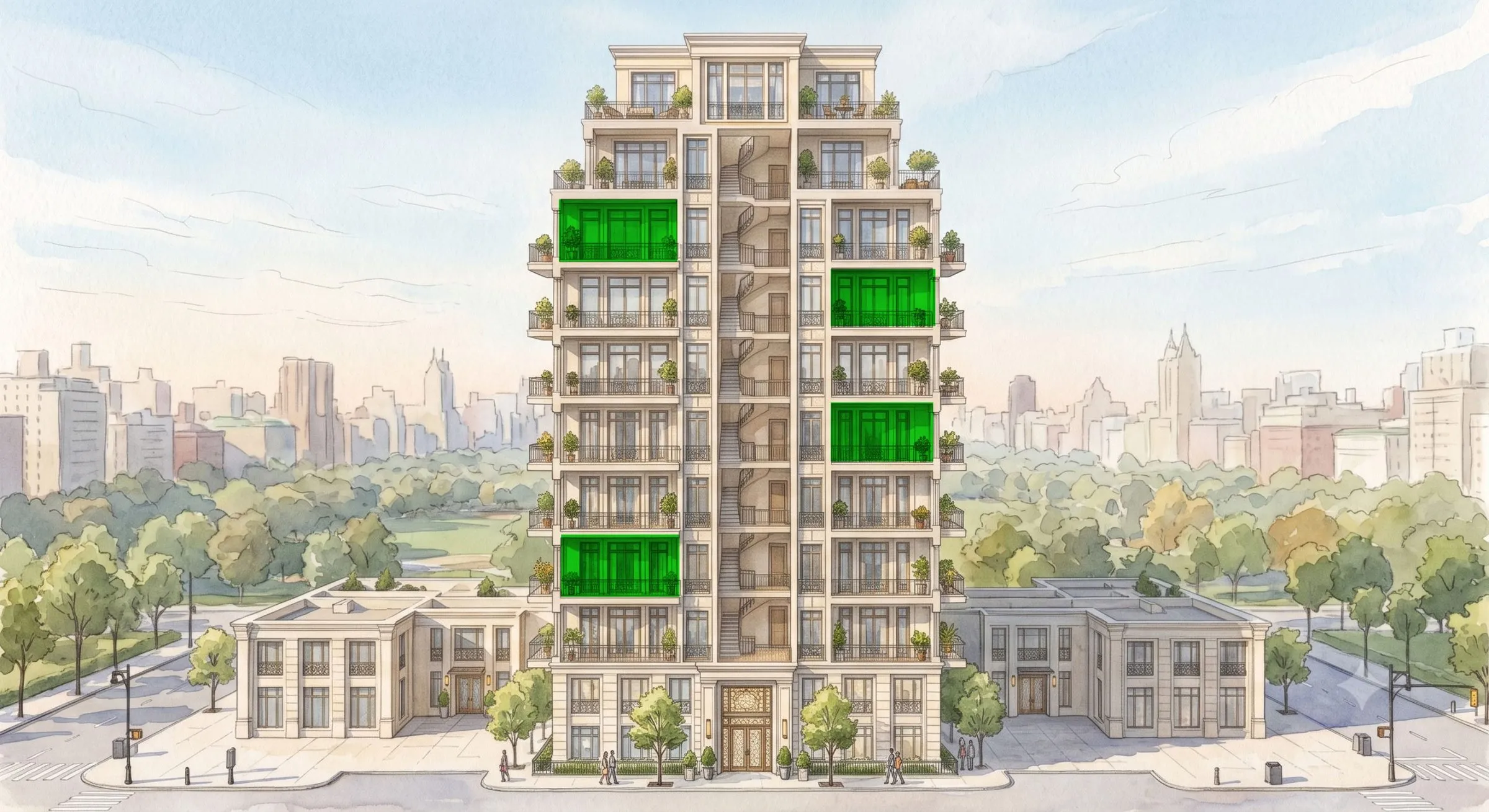
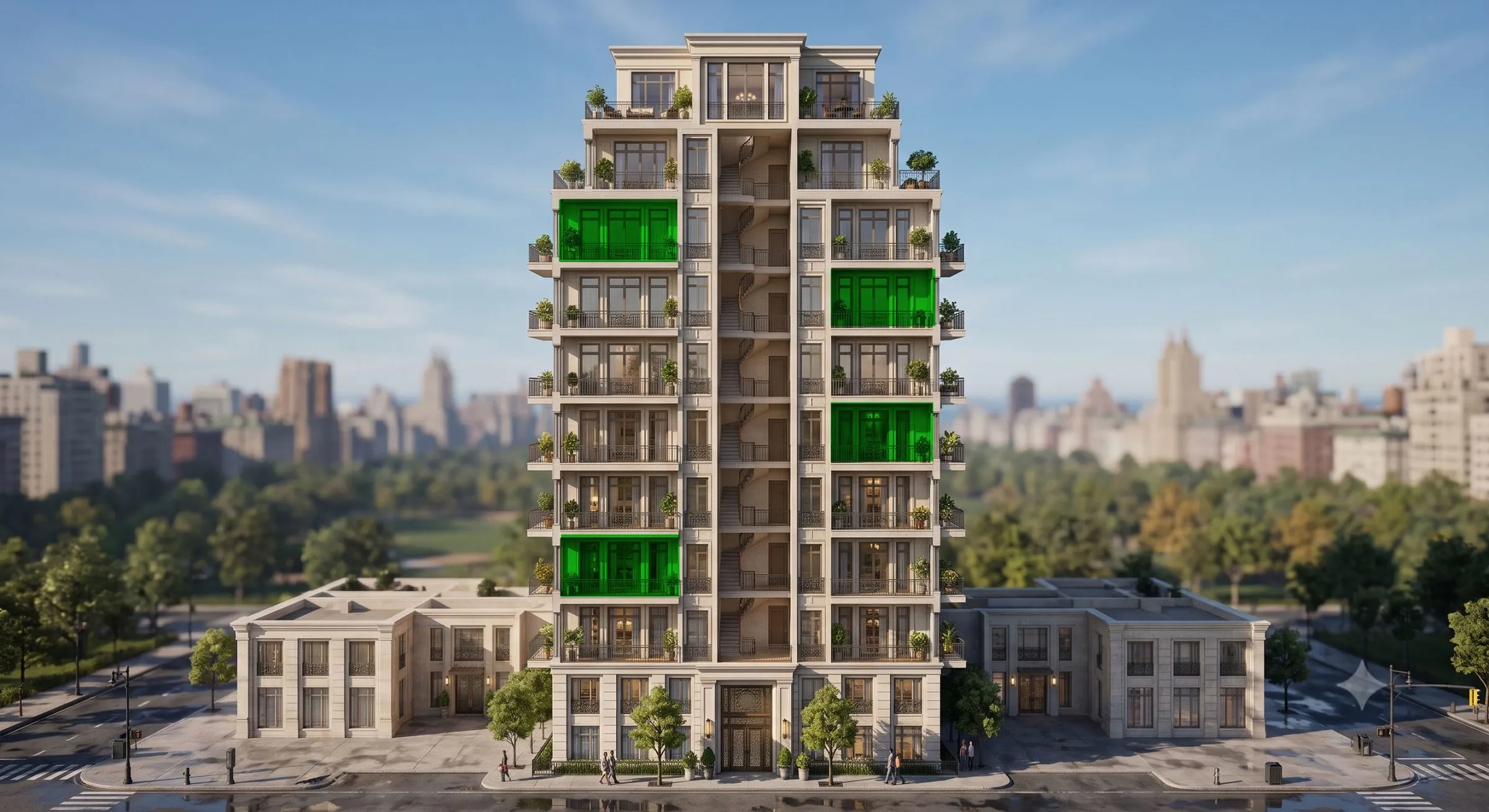

The building,
brought to life.
Every unit. Every floor. Every view, before construction begins.
Live inventory. Smart filters. One platform for your sales gallery and the world.
- Unit-specific exploration, not a sample floor plan
- Live availability synced to your CRM in real time
- Personalised follow-up pages generated automatically
- Sales gallery and web: one investment, two worlds
Built for properties that
leave a mark.
From Ritz-Carlton Residences to 860-unit towers, Navigator™ powers pre-sales for the developments buyers remember.
- Ritz-Carlton Residences
- Douglas Elliman
- Stanford Carr
- Hyatt
- Allius Group
- Alterra
- Minto Communities
- Panama Pacífico








Three conversations.
One investment.
Navigator™ fits where you need it: from the sales floor to a buyer's phone on the other side of the world.
- 01
The sales gallery.
A full-screen, touch-enabled experience your team controls. Navigate unit by unit in front of buyers. Filter by floor, view, price, and watch hesitation become certainty in the room.
- Large touchscreen ready
- Broker-controlled navigation
- Live inventory status
- 02
The web platform.
The same Navigator™ experience, live on the open web. Buyers in Dubai, London, or São Paulo explore every unit from their own device. No app. No download. Just the full building, anywhere.
- QR code entry point
- Mobile and desktop optimised
- Session tracking and analytics
- 03
The follow-up page.
After every session, Navigator™ generates a personalised landing page for that buyer: their shortlisted units, their saved views, their session preserved. Send it in one click. The lead stays warm.
- Auto-generated per buyer
- Branded to your project
- Synced to your CRM
Filters built around
your best sales story.
Every project sells differently. Your filters should too.
Navigator™'s filter system is fully customisable to your project's unique sales propositions. If your penthouse floors are the story, lead with floor. If your southwest views command a premium, make view the first thing buyers see. You decide what matters. Navigator™ presents it exactly that way.
- Filters configured to your project's strongest selling points, not a generic template
- Any combination: floor, view, orientation, size, phase, price, or custom attributes
- Live availability: sold and reserved units update automatically across all sessions
- Filter logic adjustable at any point in the sales cycle as your strategy evolves


Location
becomes the story.
The building in its real world.
Before a buyer commits to a unit, they're really committing to a life. Navigator™'s context layer shows the development in its actual neighbourhood: the ski runs, the waterfront, the cafes, the transit. Understanding the life around the home is what turns interest into confidence.
- 3D neighbourhood context, not a static map
- Points of interest: walking distances, transit, amenities, nature
- Seamless transition from context into the building itself
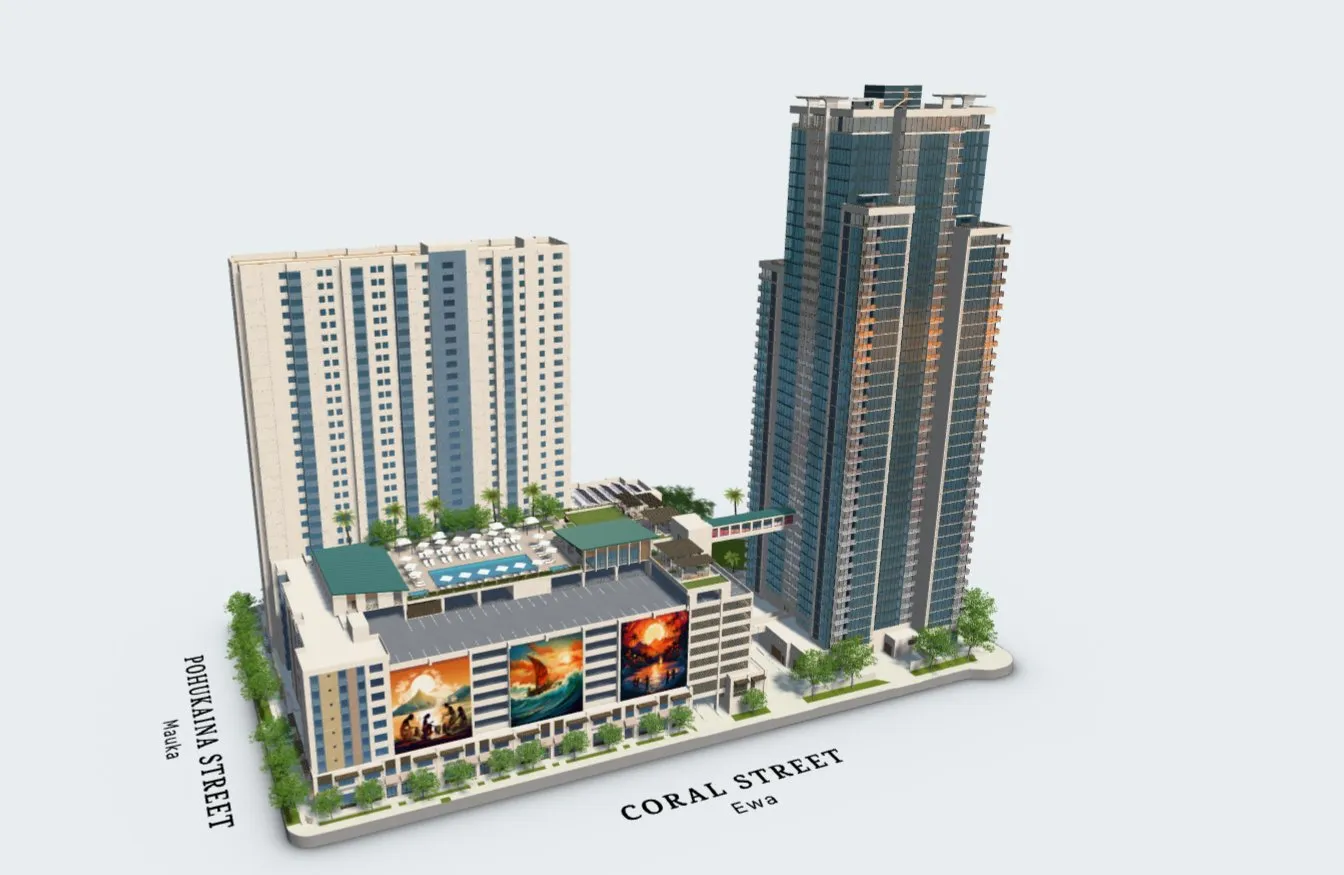
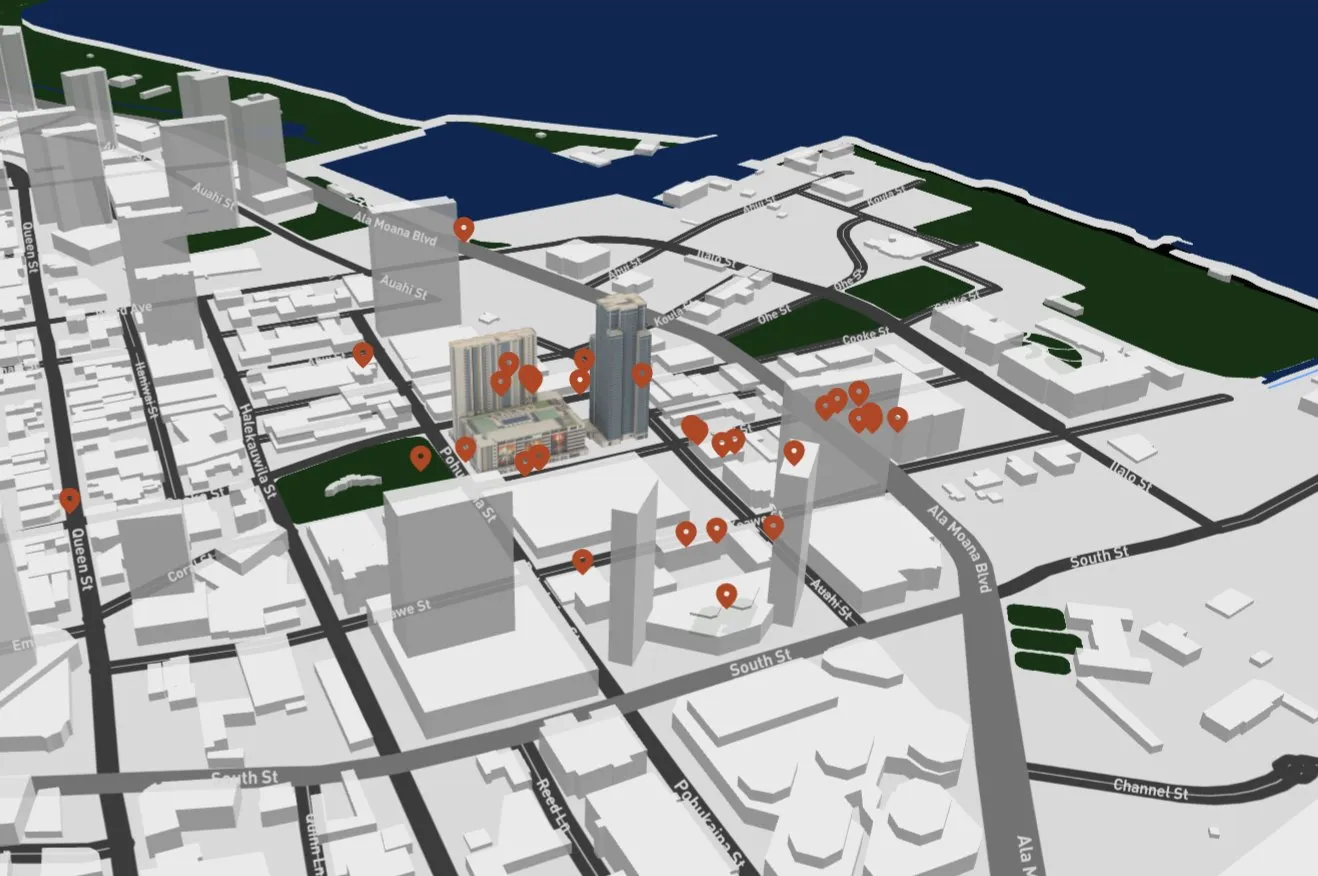
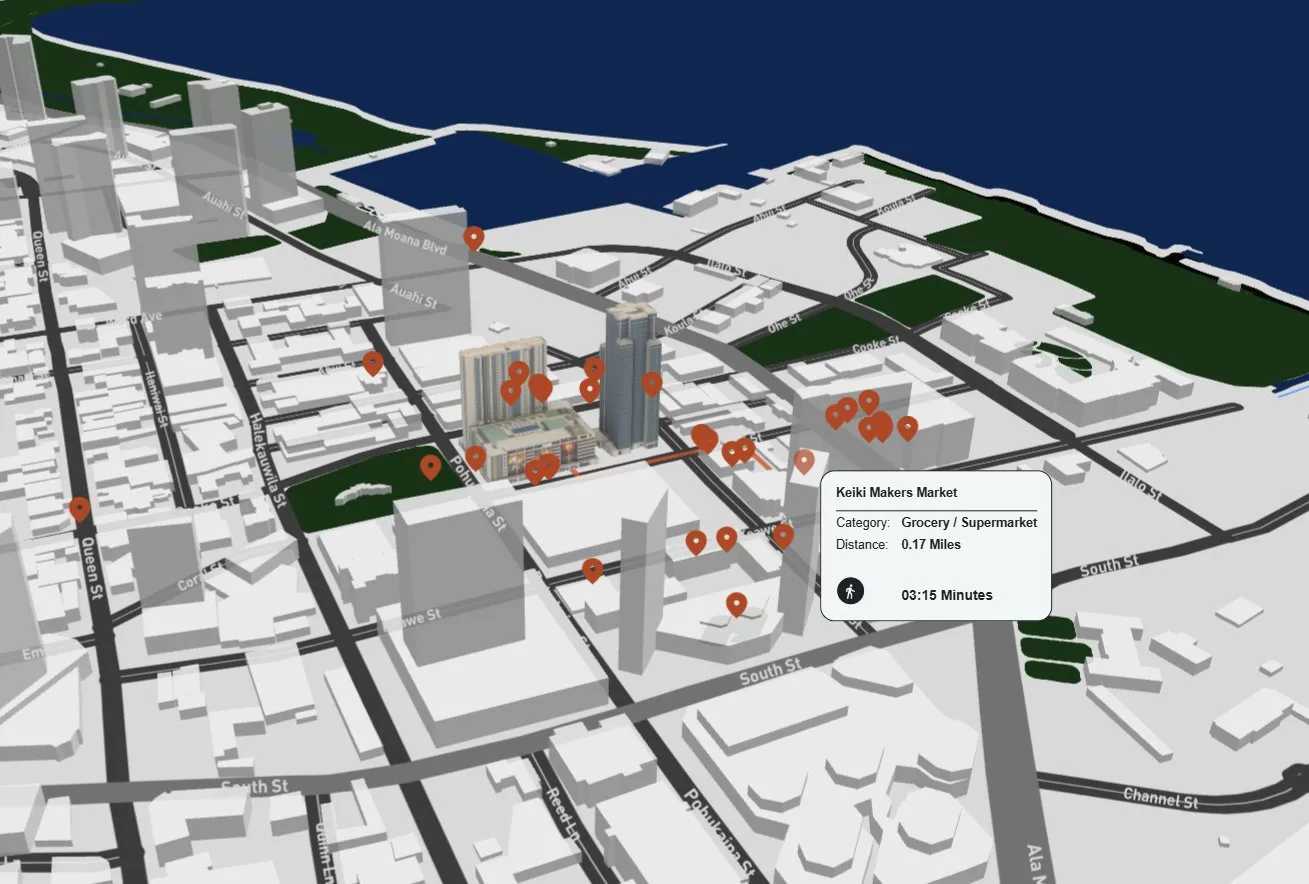
- Ward Village Shops5 min walk
- SALT at Our Kakaʻako6 min walk
- Ala Moana Beach Park8 min walk
The lead stays warm.
Automatically.
Hand-crafted feel. Zero manual effort.
Most leads go cold because follow-up is generic. Navigator™ fixes that. Every buyer gets their own personalised page, built from exactly what they explored, the units they saved, the views they lingered on. Your team sends it in one click. The buyer comes back on their own time.
- Generated automatically after every session
- Shows the buyer's exact shortlist and saved views
- Every return visit tracked and reported to your CRM
Data that
actually means something.
Know what's working before your competition does.
Navigator™ captures everything: which units get the most time, where buyers hesitate, what views convert, which floors are being skipped. Our AI analyzer turns that behaviour into plain-language answers. Ask it anything about your project's performance. It only knows the truth.
- Real-time session analytics by unit, floor, and view
- AI analyzer: ask any question, get a plain-language answer
- Conversion intelligence: know which units are about to sell
“My buyer is on the
other side of the world.”
One scan. The world opens.
A single QR code bridges the showroom and the buyer's device, wherever they are. The full Navigator™ experience, synced. Your broker in the gallery and a buyer in Singapore navigate the same building at the same time. The conversation continues across continents without missing a beat.
- One QR code launches the full experience on any device, anywhere
- Gallery and remote sessions sync in real time
- No app, no download: the buyer is in the building in seconds
- Every remote session tracked and fed back to your CRM
Everything you need
to know.
Navigator™ is an interactive 3D hub for your whole building. Every unit, every floor, every view, before construction begins. Buyers explore the building, filter the live inventory and find their home. Your team uses the same platform in the sales gallery and on the open web.
Yes. One investment, two worlds. In the gallery it runs full screen on a large touchscreen, with your broker in control. On the web, buyers open the same experience from any phone or computer. No app. No download. A single QR code connects the two, so a broker and a remote buyer can walk the building together.
Yes. Filters are configured around your project's strongest selling points, not a generic template. Floor, view, orientation, size, phase, price, or your own attributes. You can change the filter logic at any point in the sales cycle as your strategy evolves.
Yes. Availability syncs in real time, so sold and reserved units update across every session. Navigator™ connects to Yardi, RealPage, Entrata, HubSpot, Salesforce, and most other CRMs. Every buyer session, every return visit, is captured and pushed to your CRM automatically.
Navigator™ builds a personalised follow-up page for that buyer: their shortlisted units, their saved views, their session preserved. Your team sends it in one click. The buyer comes back on their own time, and every return visit is tracked.
Which units get the most time, where buyers hesitate, which views convert, which floors are being skipped. Analytics run in real time by unit, floor and view. Our AI analyzer turns that data into plain-language answers, so you know which units are about to sell.
Ready to see it on
your building?
One conversation. Your project. Your units. We'll show you what Navigator™ looks like before you decide anything.
No commitment. No deck. Just your building, brought to life.